Choose or take a photo
Use your phone camera or select a clear photo from your device.
VIETNAM E-VISA PHOTO
Upload one photo. VisaReady prepares the selected visa-photo format and shows which technical checks passed before you download.
Do it from your phone in about a minute — no need to book a studio appointment or make a trip to a photo booth or pharmacy. You keep the original; we adjust the copy.
Source: U.S. Department of State — PHOTOS · Last reviewed: August 16, 2026
PHOTO MAKER
US DS-160 visa photo · 2 × 2 in (51 × 51 mm) · JPEG
Drop your photo here
JPG, PNG, or HEIC · up to 10 MBNo signup · See how your file is handled
Photo guide
Review these quick checks before you upload. Examples are illustrative.
View full requirementsFace a window or soft light. Avoid strong side shadows, glare, and bright light behind you.
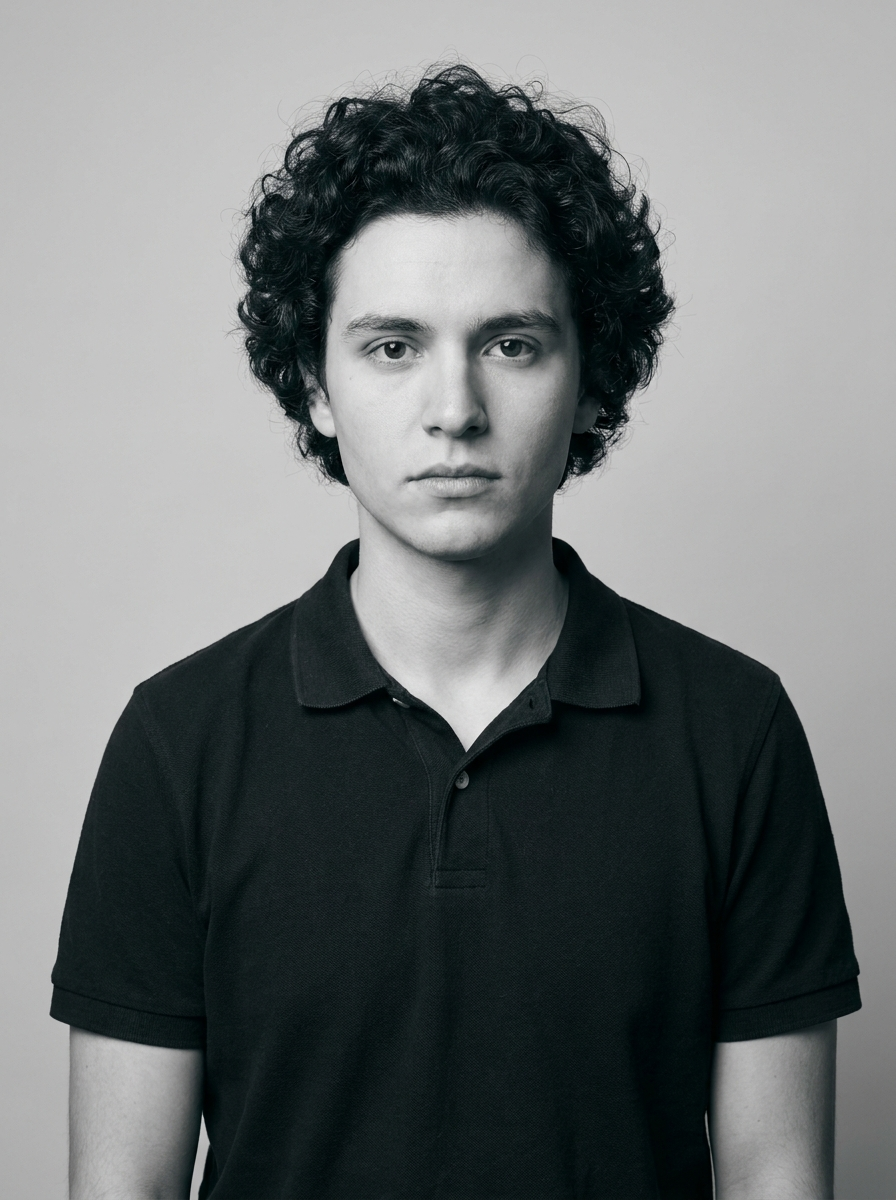
Good
Illustrative example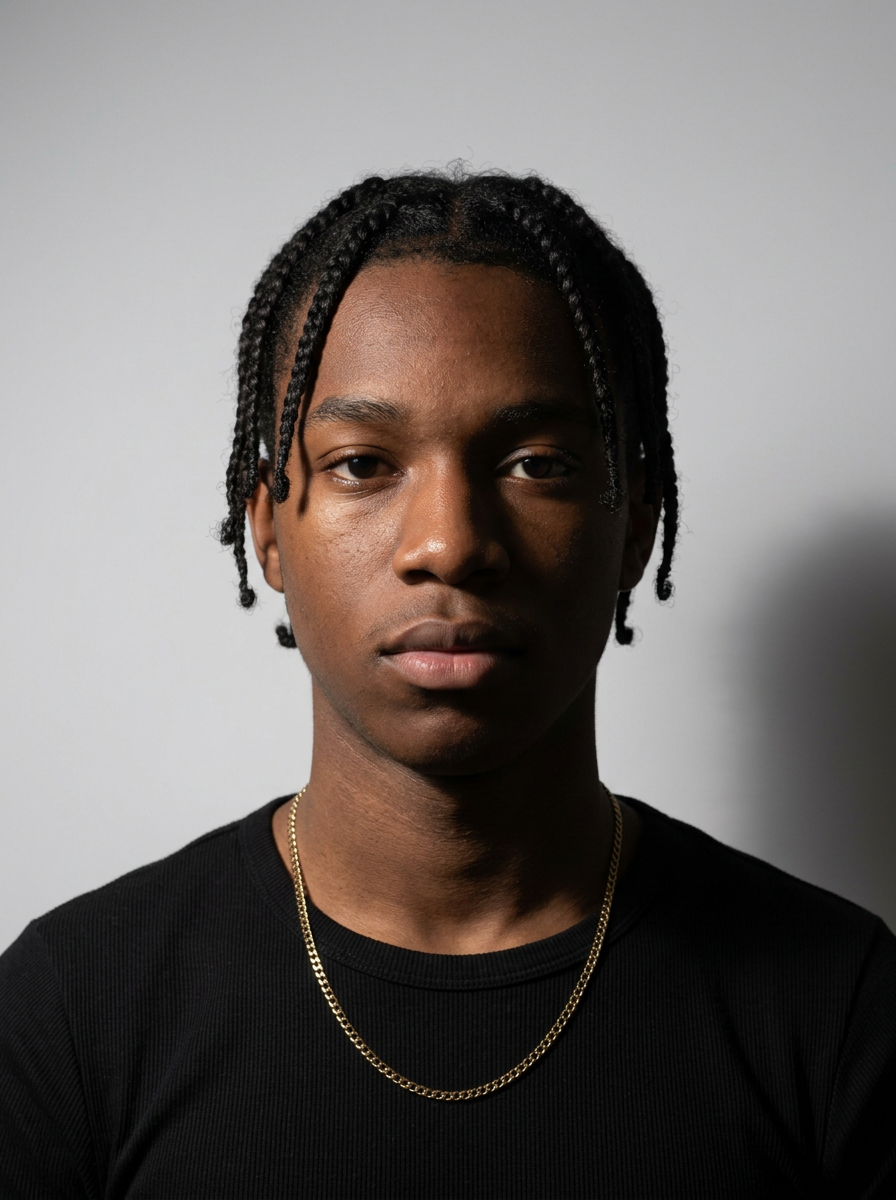
Retake
Illustrative exampleMove so light falls evenly across your face.
This result matches the selected document's published requirements based on automated checks — the issuing authority makes the final acceptance decision.
SOURCE-BACKED DETAILS
Review the selected visa-photo format before you apply. Values are rendered from the linked source configuration.
Source: U.S. Department of State — PHOTOS · Last reviewed: August 16, 2026
How it works
VisaReady prepares your selected Vietnam visa-photo format by checking the image, framing the portrait, and creating the configured output file. You review the result before you download.
Use your phone camera or select a clear photo from your device.
We detect the portrait, frame it to the selected visa-photo format, and prepare the configured output settings.
See what passed, what needs attention, and what we cannot verify automatically.
Review your free preview, then download the selected digital file or print sheet.
VISA PHOTO GUIDE
Use these practical steps together with the source-linked details above. They reflect common, general guidance for visa-photo formats — they do not replace the official instructions for your specific route.
A sharp, well-lit, recent photo gives automated checks the best chance of passing cleanly. Avoid images that are old, filtered, or heavily edited.
Take the photo against a plain light wall, with even lighting and no strong side shadows.
Visa-photo formats are head-and-shoulders crops. Your head should be centred, reasonably sized within the frame, and your eyes near a consistent vertical line.
VisaReady detects the face, frames it, and reports which technical checks passed — on your device, without uploading your photo.
Portals usually specify pixel dimensions, a file format, and a file-size limit. Matching all three matters; fixing only the size but not the limit can still cause an upload error.
The Maker shows the actual output size (for example its real width × height) so you know exactly what you are sending.
FAQs
VisaReady provides format-focused automated checks. The issuing authority makes the final acceptance decision, so acceptance is not guaranteed.
BY COUNTRY
A us ds-160 visa photo is the face and shoulders image required with a United States visa application. It is uploaded digitally to an official portal or printed for an embassy filing, depending on your route.
Requirements are set by the issuing authority. VisaReady shows which technical checks your photo passes on your device, in your browser, without uploading it.
Face framing, sharpness, exposure, and size checks reported transparently.
Processing runs in your browser. We do not upload your photo for analysis.
Not affiliated with any government, embassy, or consulate.
Where data is verified, it links to official sources with a review date.
VisaReady is an independent tool. We are not affiliated with any government, embassy, or consulate. Final acceptance is determined solely by the issuing authority.
FAQs
The source-backed format is 2 × 2 inches (51 × 51 mm), square JPEG in sRGB, between 600×600 and 1200×1200 pixels, at or under 240 KB, white or off-white background, front-facing.